 Mythos
Read & Understand PDFs with AI
on Your iPhone & iPad
Highlight any passage in a research paper, textbook, or report. The summary, explanation, or translation appears right where you read.
 Scan to install
 3.2 Long-Context Modeling
Recent advances in transformer architectures have enabled significant improvements in long-context language modeling. However, the quadratic complexity of self-attention remains a fundamental bottleneck for processing sequences exceeding 100,000 tokens. Several approaches have been proposed to address this limitation, including sparse attention, linear approximations, and retrieval-augmented methods.
Not a PDF editor. An AI reading companion.
Most "AI PDF readers" bundle editing, scanning, signing, and conversion, with AI as the last tab on a crowded toolbar. Mythos drops the toolbar and starts from the page.
How Mythos reads PDFs with AI
Open a PDF, highlight the part you want to understand, pick an action.
Upload your PDF
Pick a PDF from your phone and open it in Mythos.
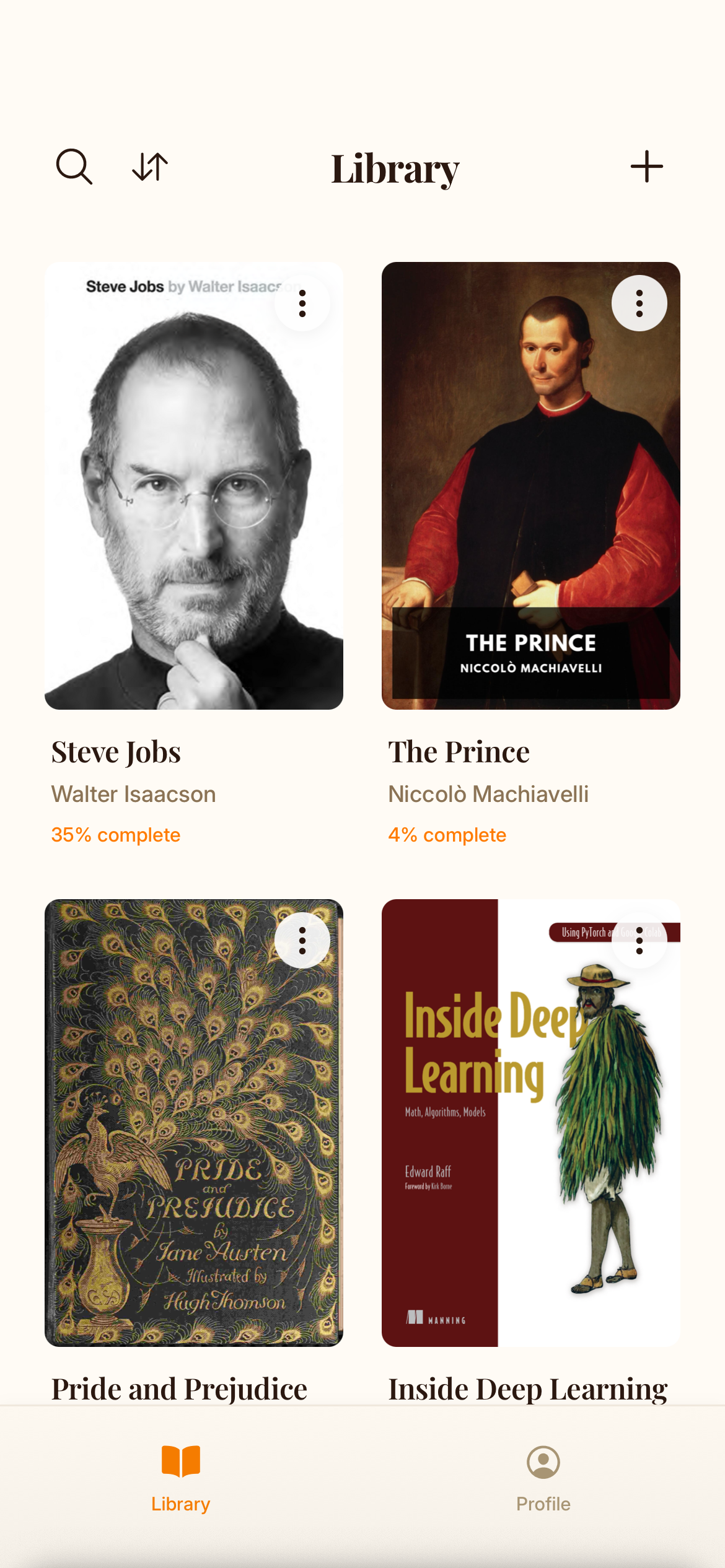
Highlight what slows you down
A chart caption, a dense paragraph, a foreign-language quote. Tap and drag, and Mythos suggests the right AI action.
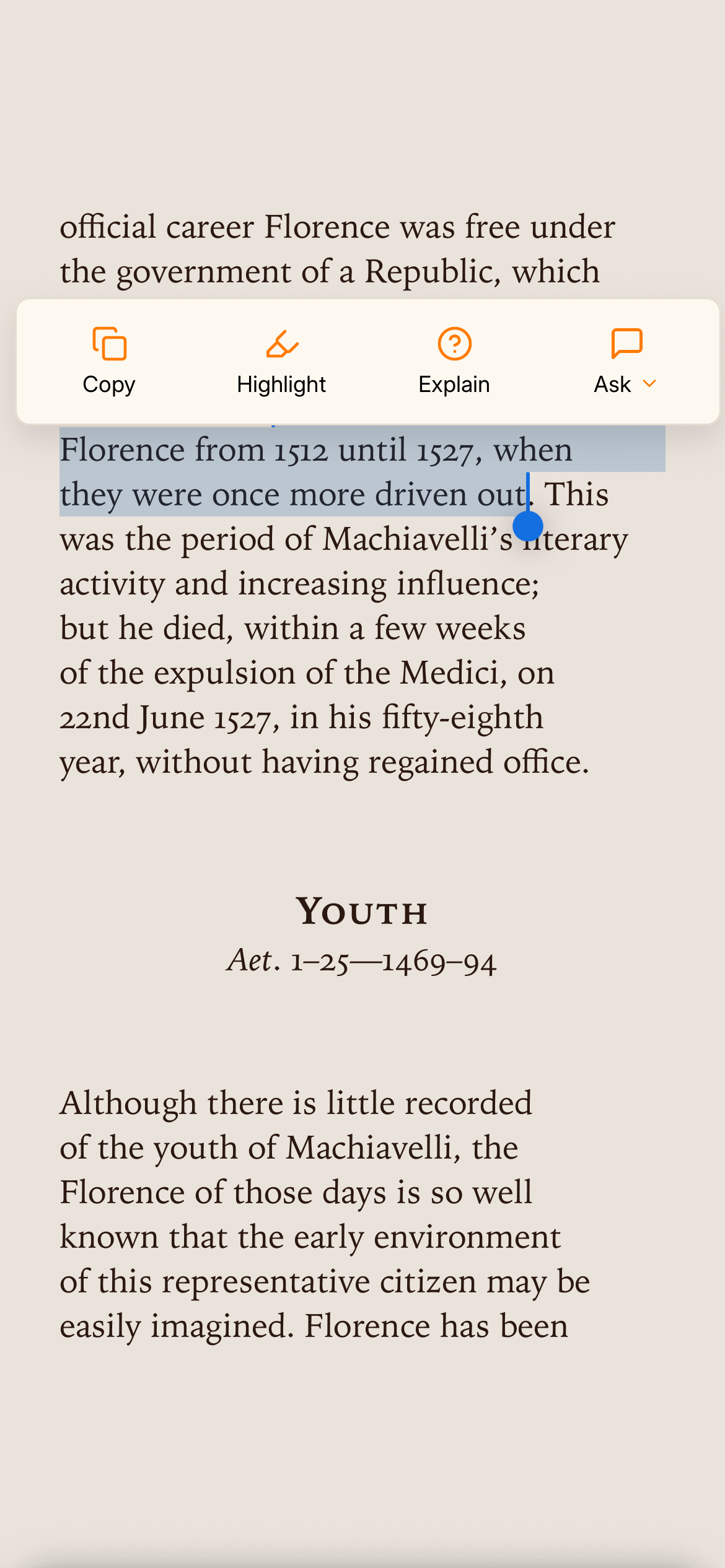
Get the answer in place
Summarize, Explain, Translate, or Ask. The result appears inline. The page stays where you left it.

Built for the PDFs you actually read
Three places the inline AI earns its keep.
Skim methodology, deep-read the discussion. Select any equation or jargon term and ask for the level you need, from "smart undergrad" up to "first-year grad student."
Lecture slides, problem sets, course readers. Select a definition and ask for a worked example. Select a paragraph and get a one-sentence summary.
Consulting decks, 10-Ks, white papers, government reports. Select a dense paragraph and get the actual claim in plain English.
Four AI actions, right on the passage
No menus, no typing, no context switching. Highlight, then pick.
Summarize
Select a passage, short or long, and get the main argument and supporting points in plain language.
Explain
Dense methodology, statistical jargon, legal language. Highlight it and Mythos rewrites it at the level you ask for.
Translate
Inline translation across dozens of languages. A favorite of non-native English speakers reading academic PDFs.
Ask
Ask anything about what you just read. Mythos answers from inside the PDF, not a generic answer.
Common questions
What is Mythos?
Mythos is an AI-powered book reader for iPhone and iPad. Highlight a passage in an EPUB or PDF that you didn't understand, and Mythos suggests the question you were about to ask, then answers it on the page. You never leave the book.
Is Mythos free?
Yes. Mythos is free to download with daily AI actions included.
What platforms is Mythos available on?
Mythos is available on iPhone and iPad via the Apple App Store.
What kinds of PDFs work best with Mythos?
Any PDF with selectable text. That covers most research papers (arXiv preprints, journal exports), textbooks, course readers, consulting decks, white papers, government reports, and 10-Ks. The denser the prose, the more value the inline AI delivers. If a PDF is a scan with no text layer, run OCR on it first (Preview on Mac handles this in one step) and Mythos will work on it like any other document.
Will Mythos work on long research papers and academic PDFs with equations, footnotes, and references?
Yes. Long, dense PDFs are exactly what the inline AI is built for. One caveat on equations: if the math is rendered as vector text (typical for LaTeX-generated PDFs from arXiv), Mythos can read it and explain the notation. If an equation is embedded as an image, you can highlight around it but the AI will only see the surrounding text. Footnotes, captions, and reference lists are always selectable like any other paragraph.
What is the difference between Mythos and a "chat with your PDF" tool?
Mythos puts the AI on the page you're reading. "Chat with your PDF" tools put the page next to a chatbot and make you switch focus to type questions. With Mythos, you select a paragraph and the answer appears in place, no typing "explain the second paragraph on page 14" into a sidebar. It also runs natively on iPhone and iPad, so you stay in your reading app instead of pasting documents into a chatbot UI.
Why use Mythos instead of opening a PDF in ChatGPT or Claude?
ChatGPT and Claude are great when you have a question and want a conversation. Mythos is built for the times when you're reading and want answers in line, without breaking flow. Two main differences: AI actions live on the passage you select, not in a separate chat thread you have to scroll back to. And you read the PDF the way it was laid out, with formatting and pagination intact, instead of looking at a chat history where the document is just an attachment. People often use both: ChatGPT for open-ended research, Mythos for the actual reading.
Reading EPUBs instead? See Mythos for EPUBs. Studying with course PDFs? See Mythos for students.
Read smarter, starting today.
Get Mythos on the App Store Scan to download on your iPhone Free to download. Works with any text-based PDF.